Wonkes Market
Wonkes’ Birth
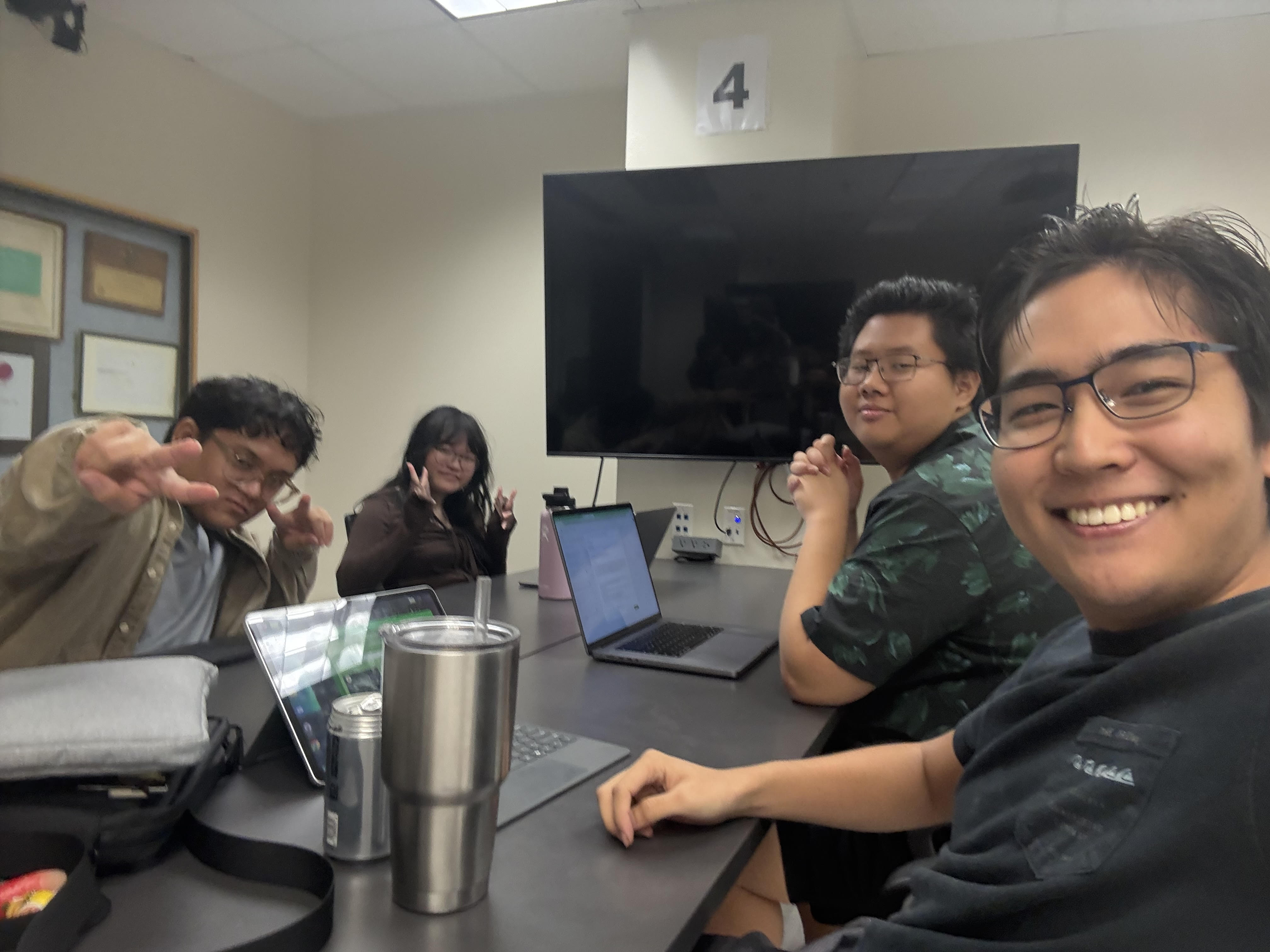
In the very beginning, I teamed up with four classmates and one community volunteer in my software engineering class, which my college refer as ICS 314, for the final project of the course: build a website that solves an existing issue in the University of Hawaiʻi at Mānoa or the nearby community. We all had great ideas of what to do for the final project, and we have to pick one that we believe is the best, which is the one that fits our skills and ability the best, the one that solves the biggest problem, and the one that is doable within the project time limit of 4.5 weeks.
One teammate suggested online trash can map, because there may be needs for finding trash cans on campus for disposing garbage like lunch boxes and plastic water bottles; another proposed an online student marketplace for recycling usable stuffs that gets thrown away during dormitory move-out period. My idea was a landscape collection game, because there are so much beautiful scenes in the Mānoa campus that got ignored due to heavy course load. We discussed and voted, and we all came to an agreement that online trash can map is too easy and the problem it solves is too light—there is trash can everywhere on the Mānoa campus and thus it is not hard to find one. The landscape collection game sounded difficult (although I thought it would be easy) for us, especially the large interactive map and plots that it will have. Therefore we eventually decided to implement an online student market.
Naming stuff had always been a confusing problem to me, however, we did not have a hard time getting a name for the project as a team. We picked the first letter from the last name of each teammate, and we get five letters: E, K, N, O, and W. We considered many decorated permutations we can have with these five letters, such as The Woken, The Knowers, and The Monks, just to name a few. We voted on these names and Wonkes won. Since then, Wonkes become the name of our online student market project. A few variants of the name are Wonkes Market, Wonkes Mānoa Student Market, and Wonkers Bonkers.
Overview
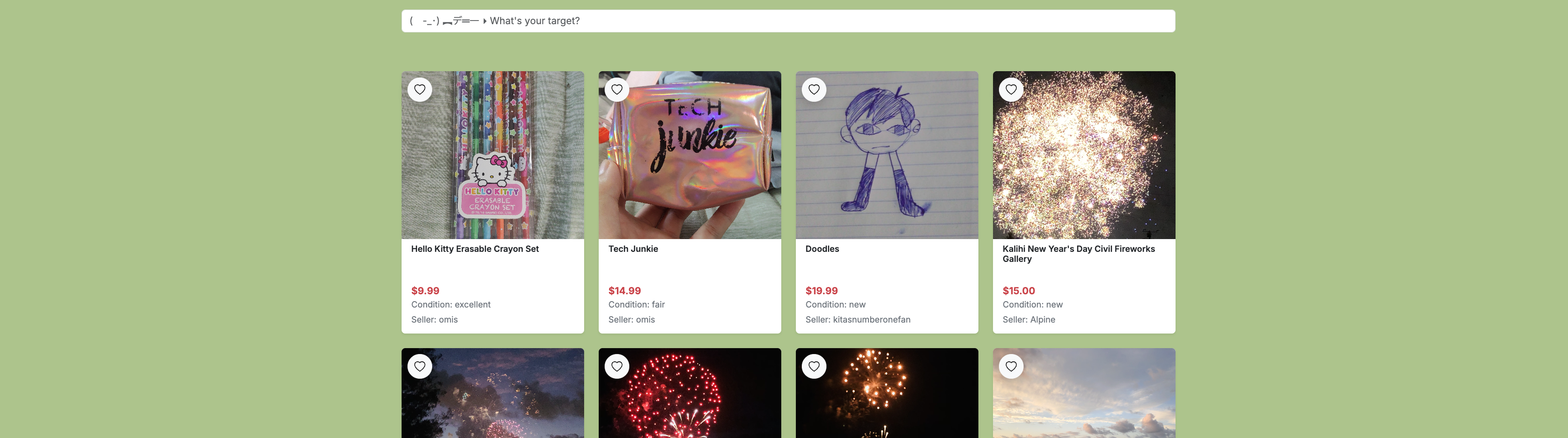
There are two main parts of Wonkes: homepage and its 1storefront. The Wonkes homepage is where people read about details of Wonkes project, its implementation, and the milestones we went through. The Wonkes storefront is where users make listings and sell stuffs. Each Wonkes part is in individual GitHub repository under the same GitHub organization. To see the repository for the homepage, click here; to see the repository for the storefront, click here.
A very small amount of workload falls to the Wonkes homepage: authoring an introduction article for Wonkes, writing a manual regarding how to use Wonkes, reporting the progress of the Wonkes project, and keeping all screenshots up to date. However, this job does require a huge amount of understanding of how Wonkes were built, and why it is built the way it is, and what disadvantage is in the way it is built. For example, the author has to know that Wonkes accept unique username during sign up because the username is used by the users to distinguish other users; the author has to explain that while going over how to use Wonkes. Another example would be the database structure in the developer guide. Although we were only able to upload an image of the database structure, the author were expected to know why database is structured the way it is, including which fields has unique or case constraint and why.
On the other hand, about 90% of the workload falls to the Wonkes storefront. Although we start the project with a template that already contains implementation for harsh stuffs like authentication, there is tremendous number of pages to develop or redesign, and additionally some of the existing implementation from the template did not perfectly fit the need of Wonkes and needed changes.
Teamwork
We used a technique called issue driven project management while working on Wonkes. Which means, we first plan the things to do, and second we make a list of these things which we call issues, and third everyone grab an issue they think they can finish and start working. The list of issues will be on the GitHub repository. Once a teammate finish with an issue, he or she will close the issue on the list and grab a new one (or technically speaking, assign himself or herself a new one). In brief, the completion of the whole project is driven by completing each small issues one by one simultaneously by each teammate.
In addition to planning issues to list on GitHub, we estimate the time it take to finish each issue, so a teammate can use that estimation to consider if he or she has enough time to finish an issue. That is called effort estimation.
Each member of our team has different strengths, so with the way we split tasks using issue driven project management, we each was able to pick the tasks we can do with lowest opportunity cost. For example, Darilyn and Josh are good at front end (e.g. user interface), so they primarily pick issues that relates to the front end; Andrew and Brian are better at back end (e.g. database), so they primarily pick issues that relates to the back end. For me, I knew everything a little bit so I picked from all kinds of issues. I set up backend stuffs at the beginning and worked on both ends afterwards. Our team contract has more details about how we collaborate.
My contribution
There are three milestones we set up for Wonkes. My contributions mainly scattered on milestone 1 and milestone 2, and a few in milestone 3, as you can see in the list of issues on GitHub by clicking these links.
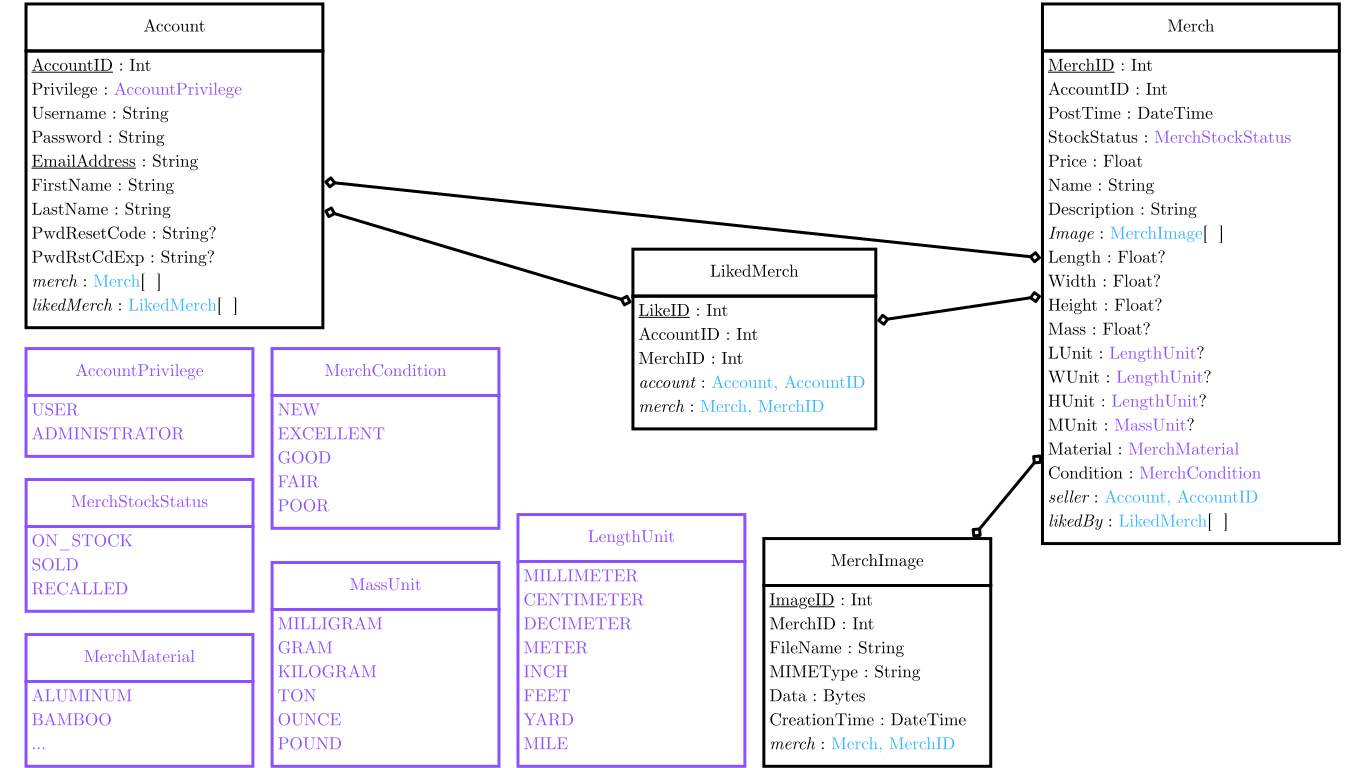
The first major contribution of mine was the design and set up of the database. I picked this issue because I had experience working with relational database when I worked as a part-time full stack developer at the International Structural Engineering and Construction Society, thus I am confident that I can design a good and working structure for the database. It turns out that my design worked without any error, but nevertheless there are improvements to be made.
The picture at the left shows the final database structure of Wonkes. It is slightly different from my original design as it went through a few updates. Originally the merchandise image data are in the table called Merch, which is the table where other merchandise information are stored. I moved image data into an individual table called MerchImage for clearer structure. Moreover, one of our teammate added a table called LikedMerch that stores the like information.
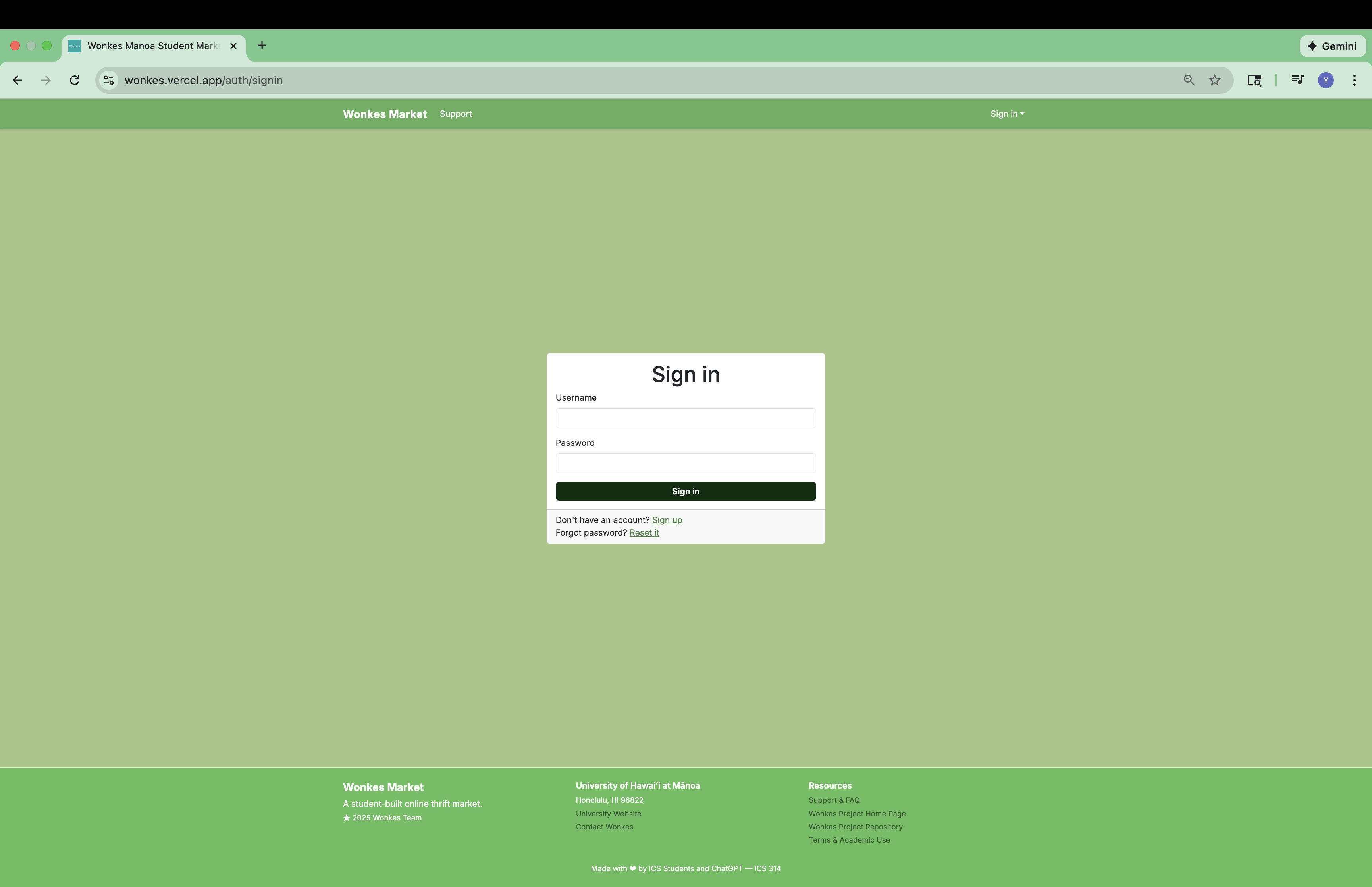
The second major contribution of mine was the edit of the authenticate system. The template we used to build Wonkes uses email address and password as sign in credentials. However, we decided username and password would be better for Wonkes as sign in credentials, and therefore a change was made on the authentication system. I took ten hours in total to complete this task. ChatGPT was being very helpful with figuring where changes needs to be made.
The third major contribution of mine was the implementation of the emailing system, which is used with the reset forgotten password feature that I implemented. When an user reset the account password they forget, we send an email containing a randomly generated 6-digit passcode to the email address the user used to create their Wonkes account. The user will use that passcode to prove that they are the real account owner by entering that passcode on the Wonkes website.
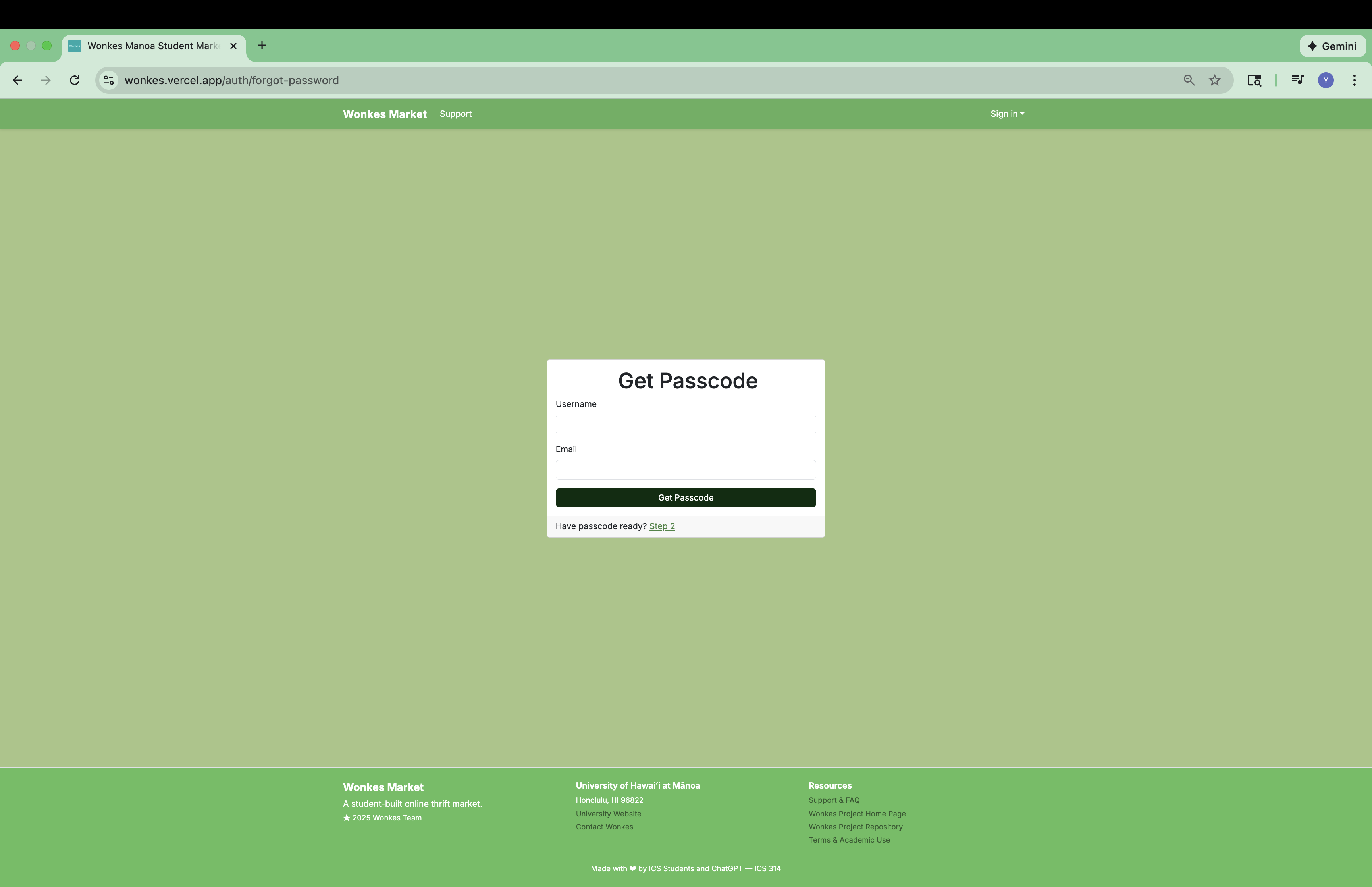
The first step was to find a provider that will send email for us, and considering our pity budget, the provider should offer a free or cheap tier. ChatGPT suggested Resend, which we get to send 3,000 emails for free. After a total of four hours writing code and dealing with Resend API, the first email from Wonkes sent successfully.
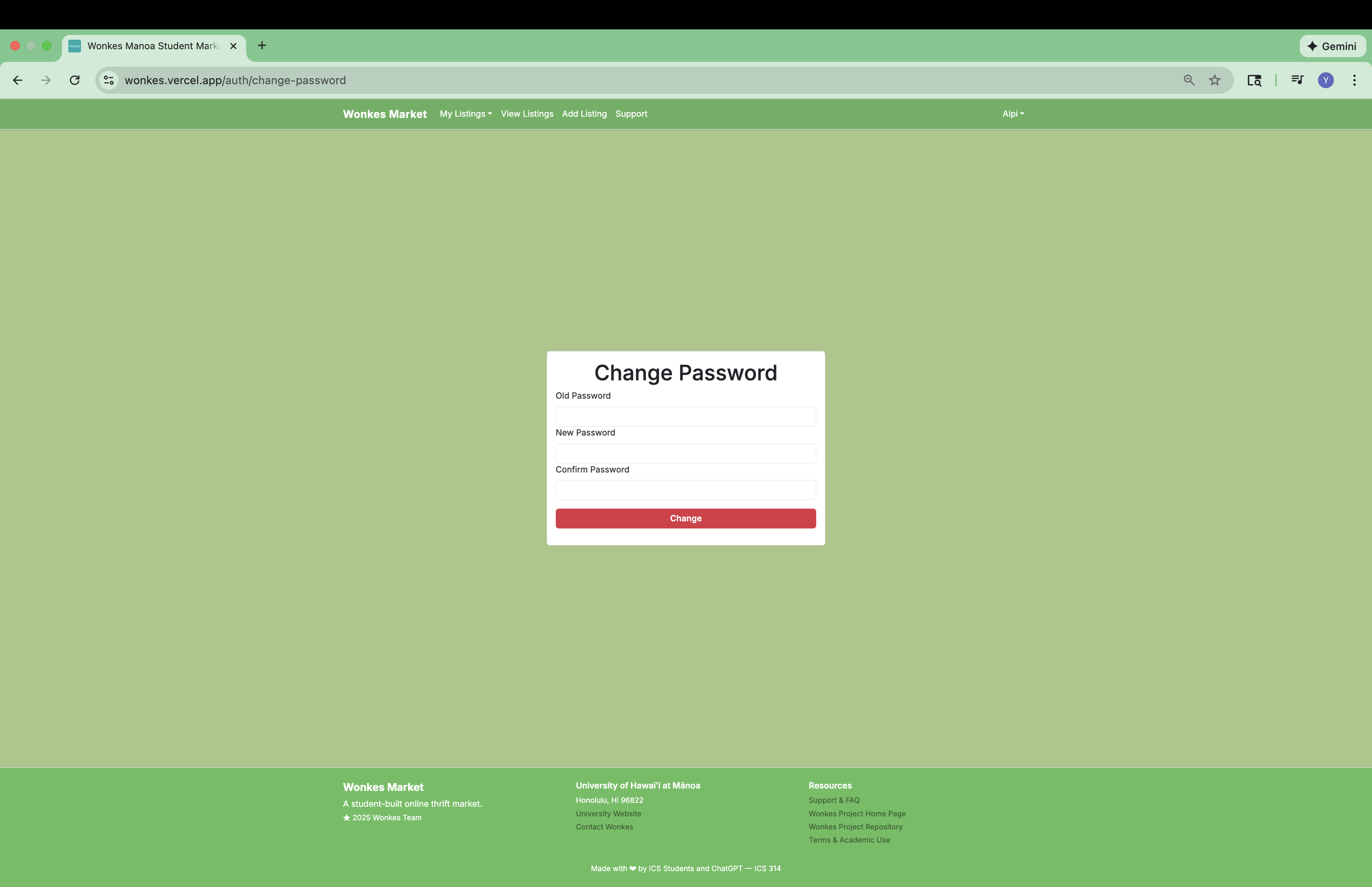
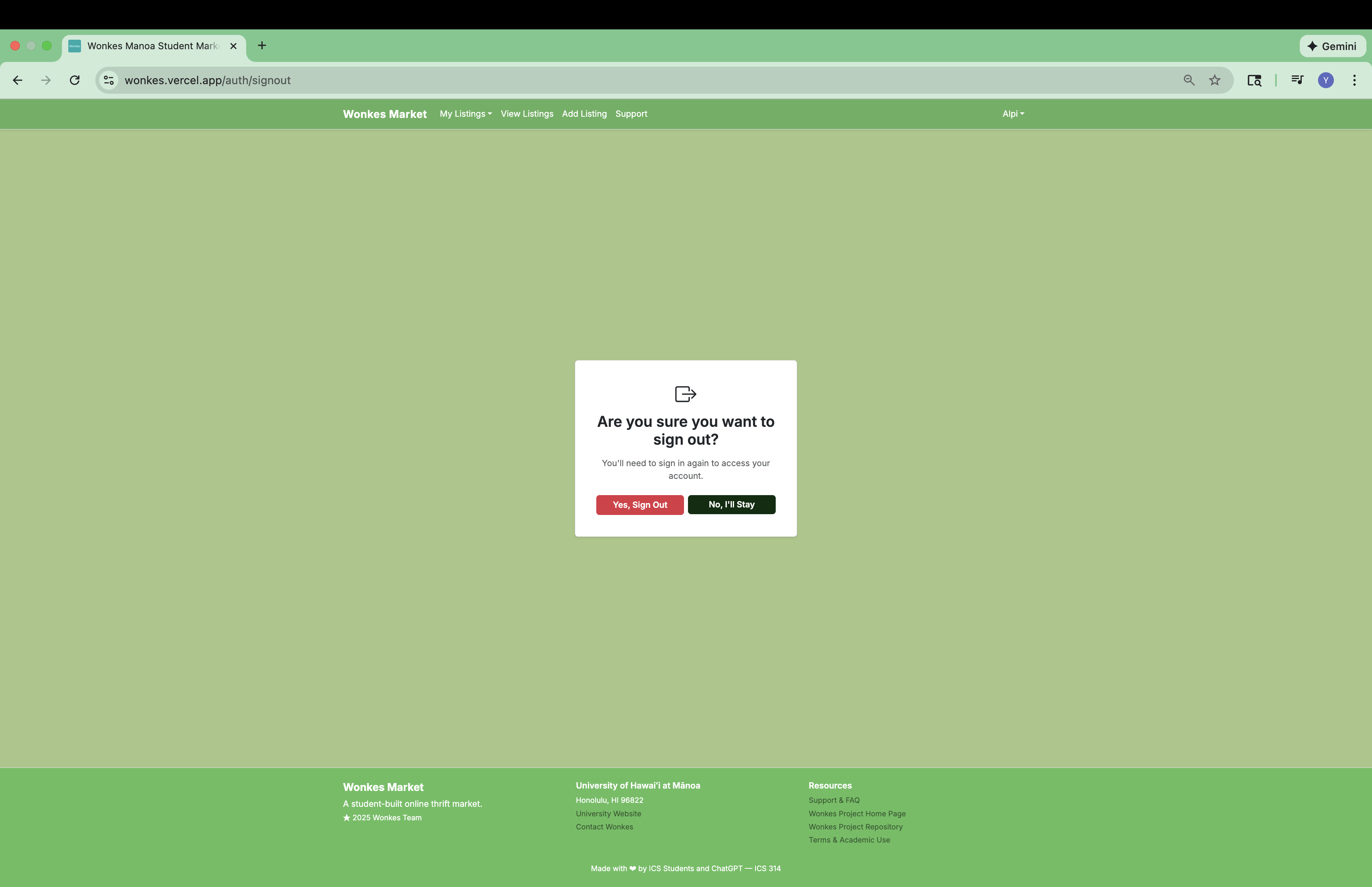
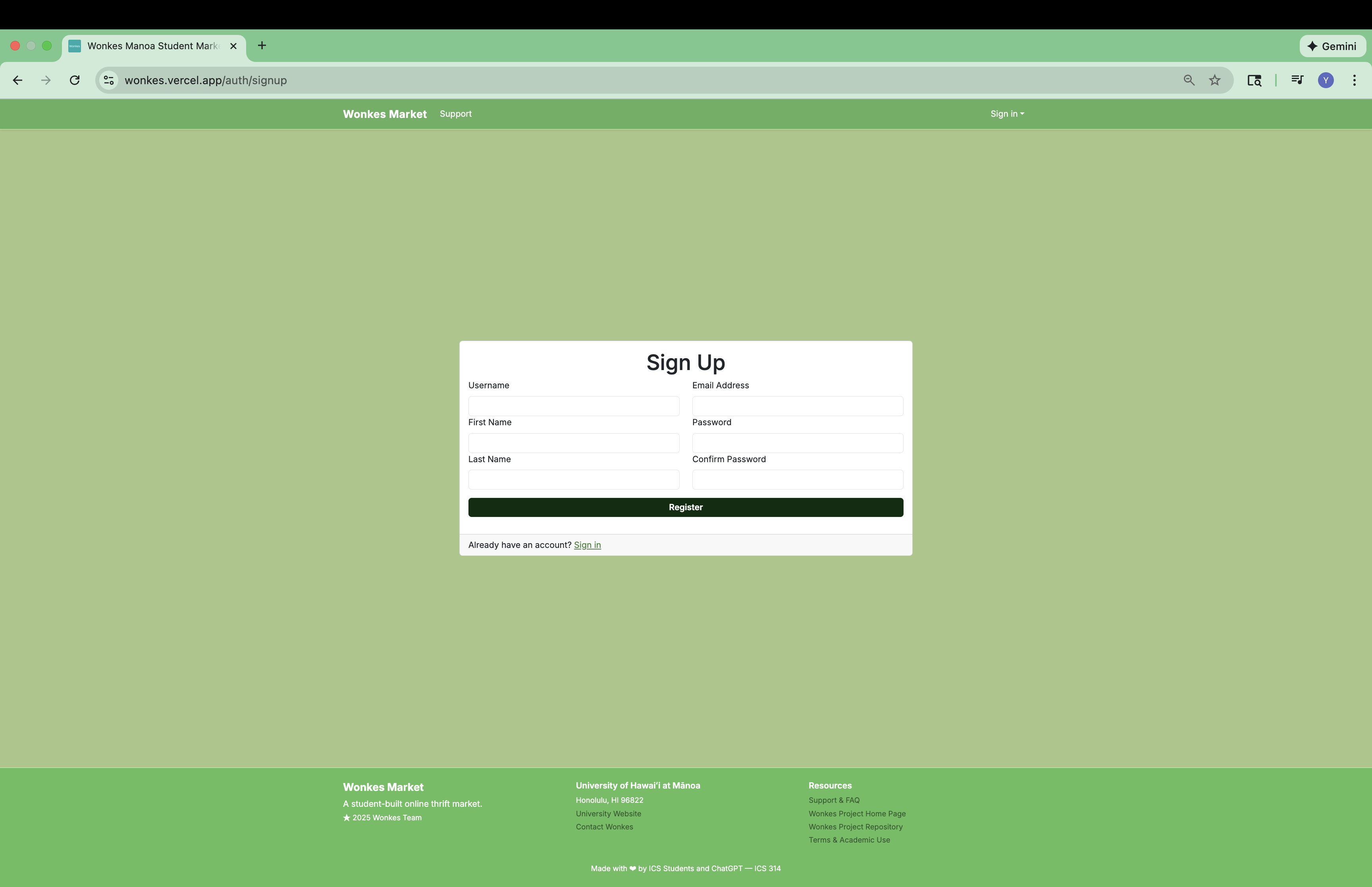
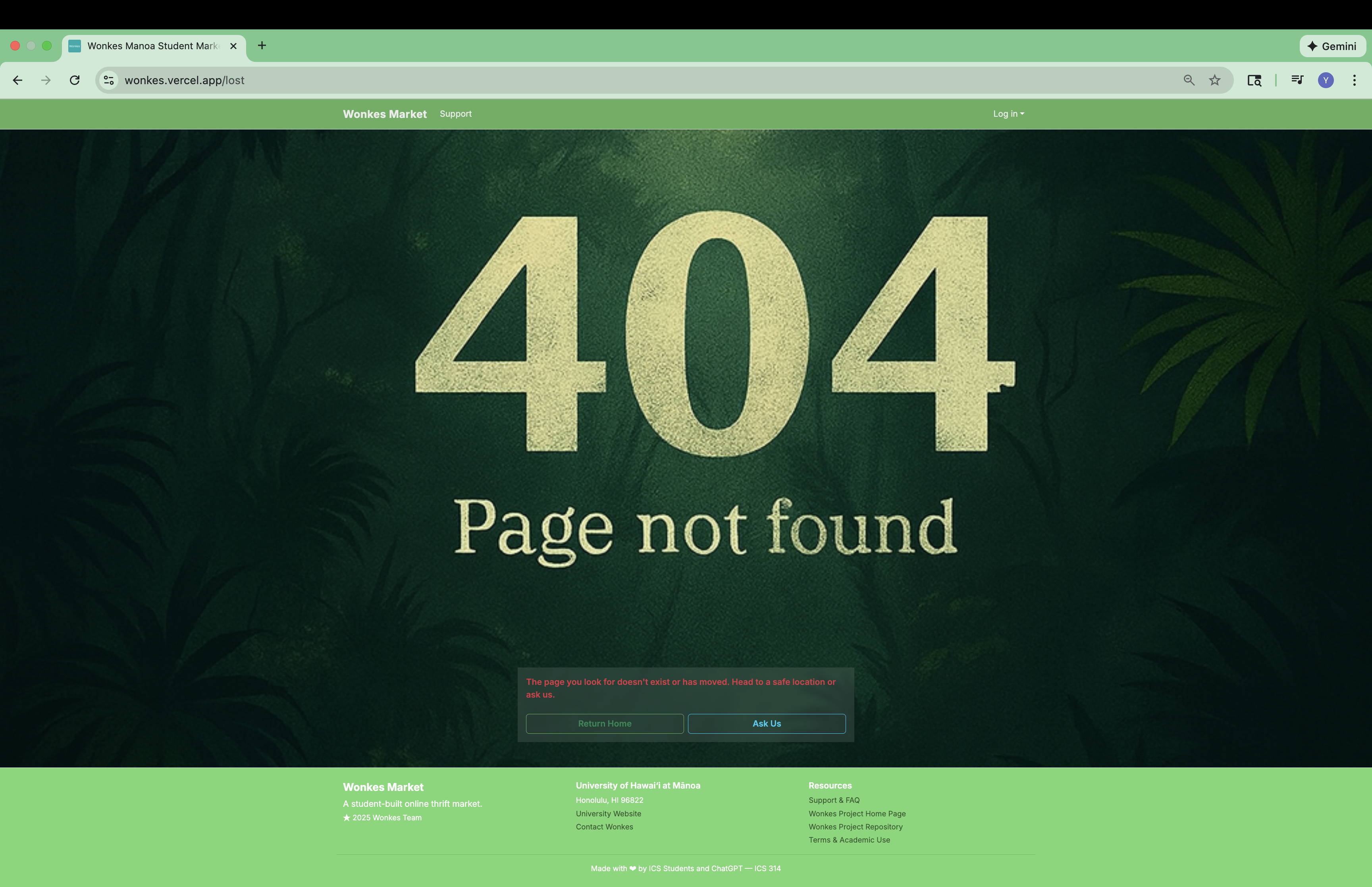
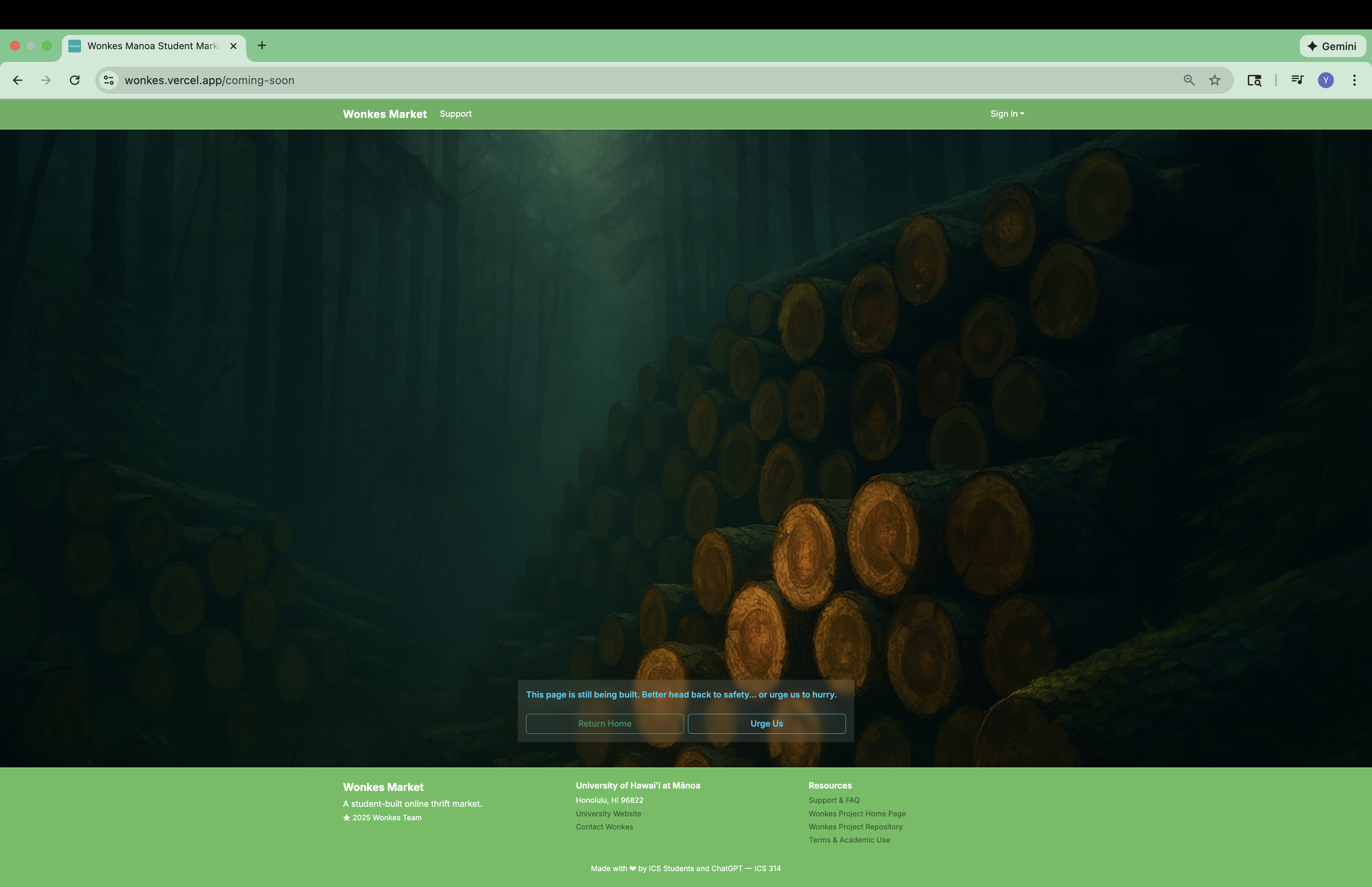
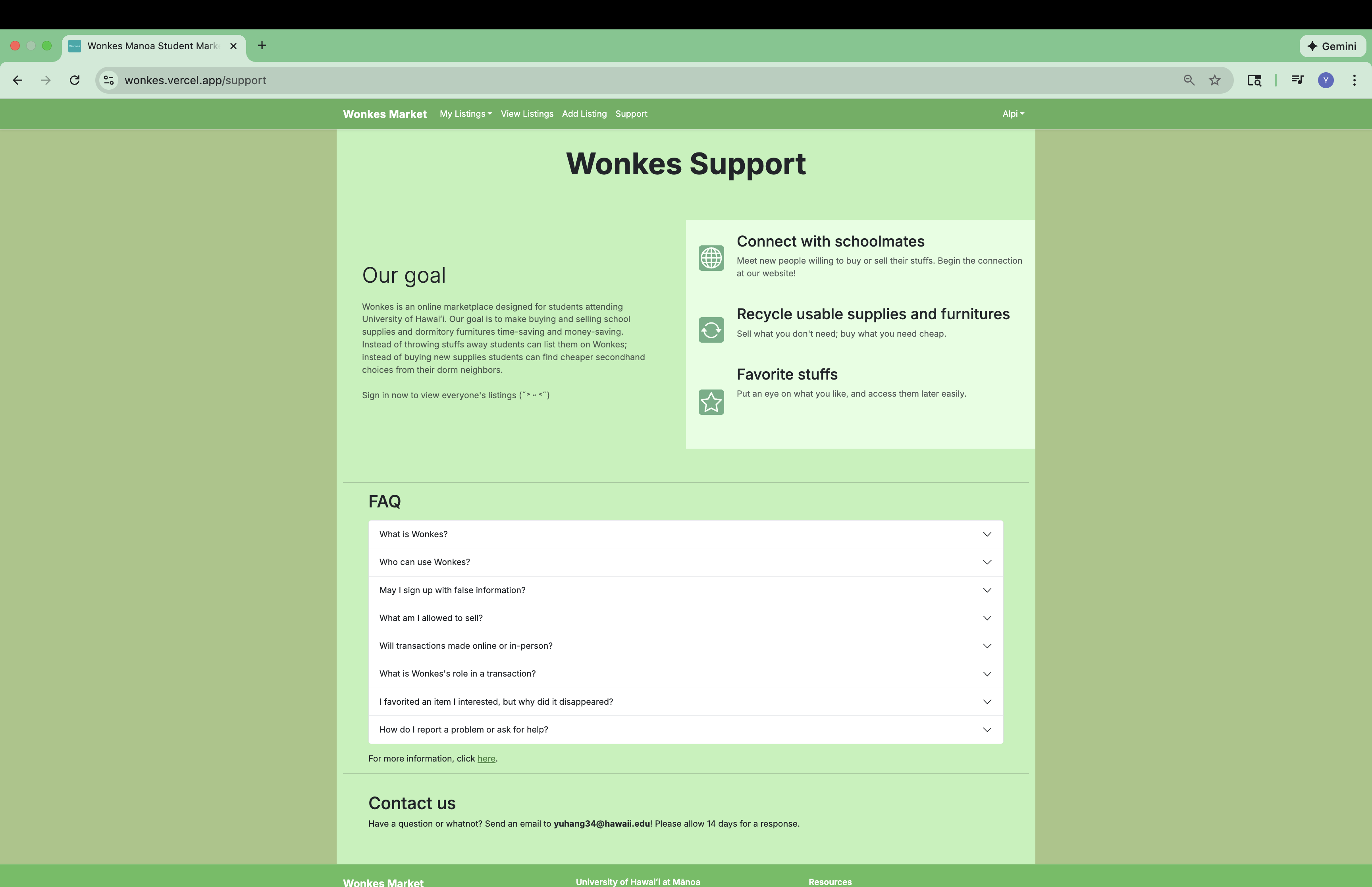
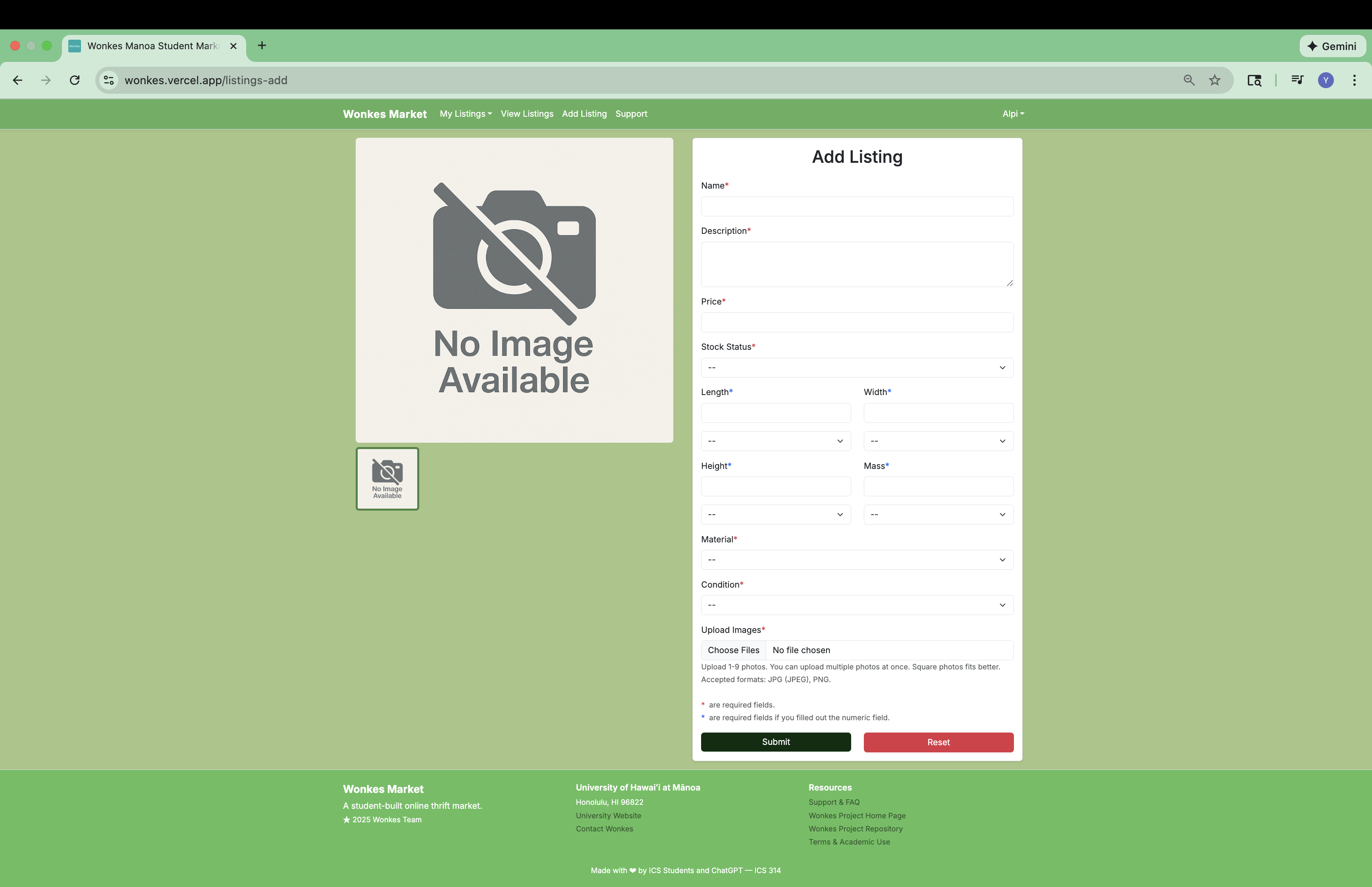
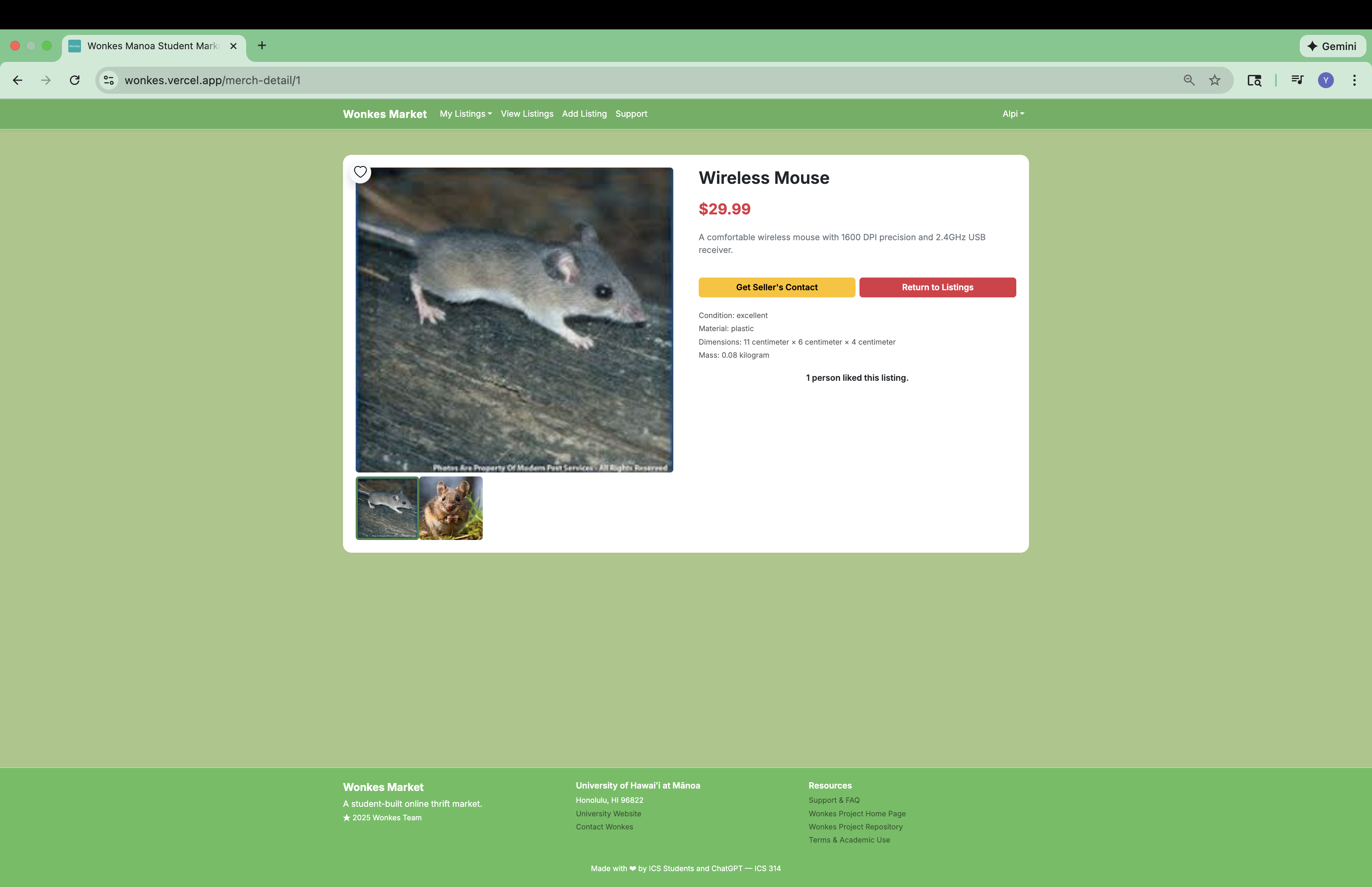
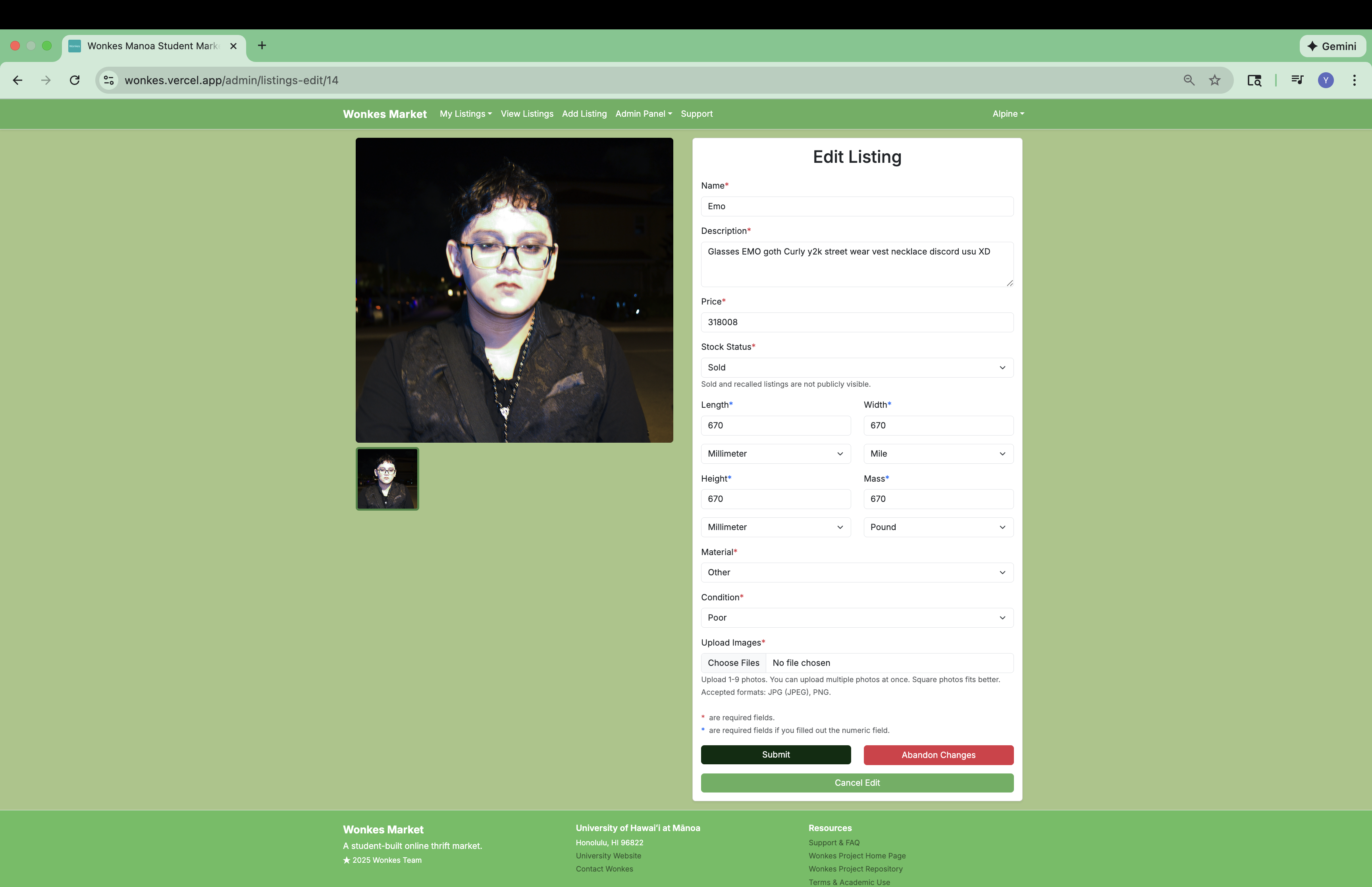
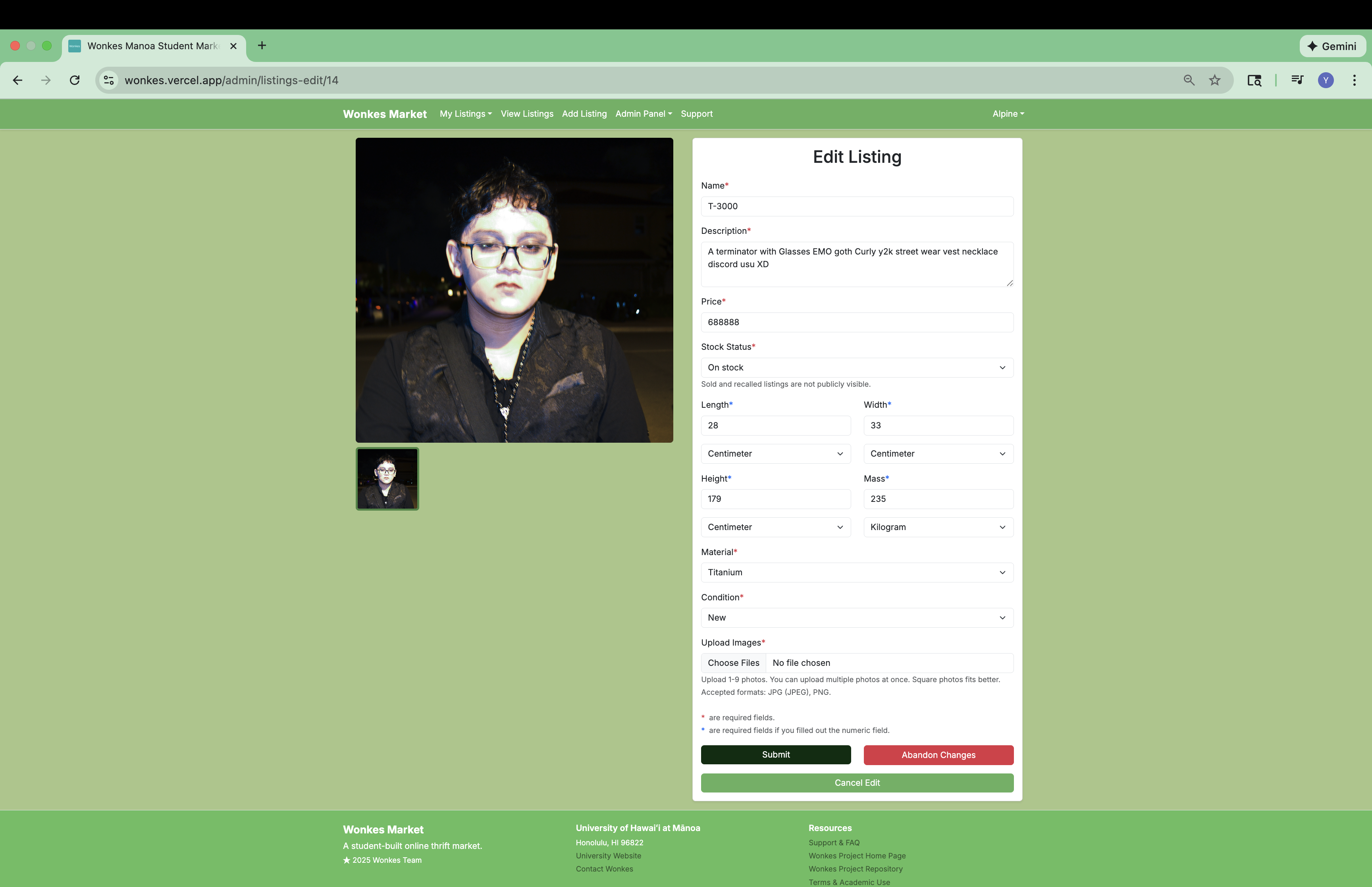
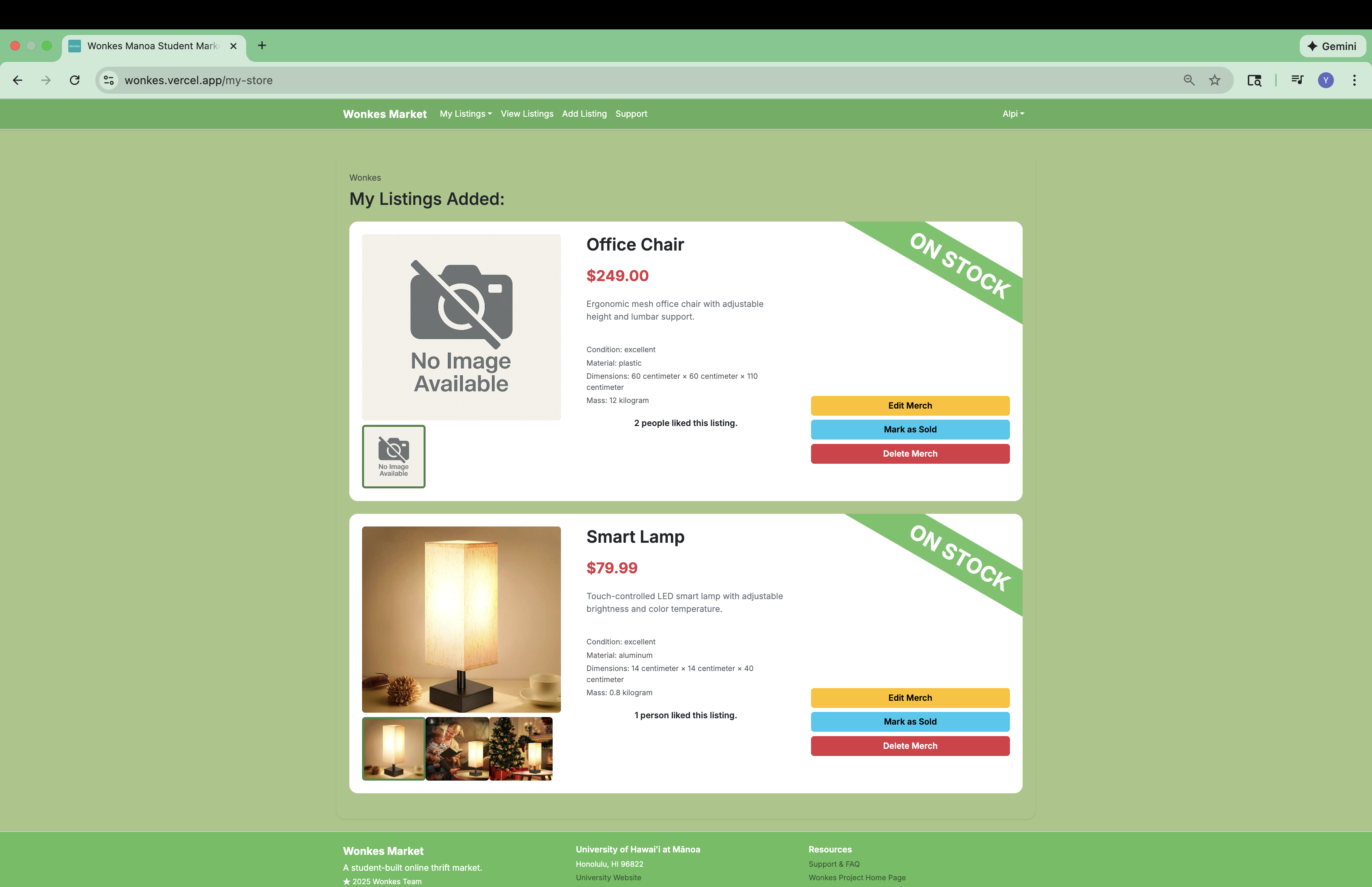
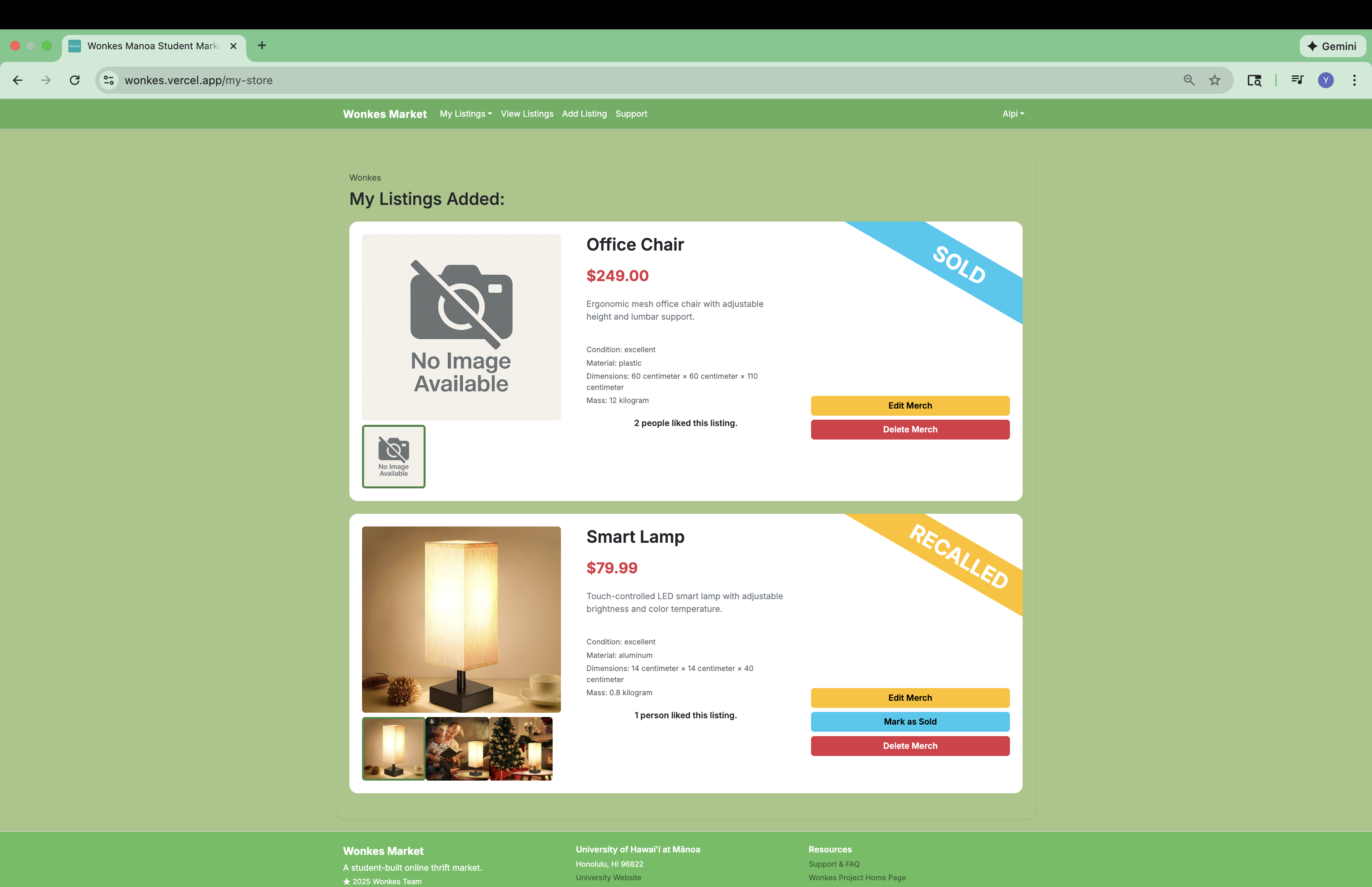
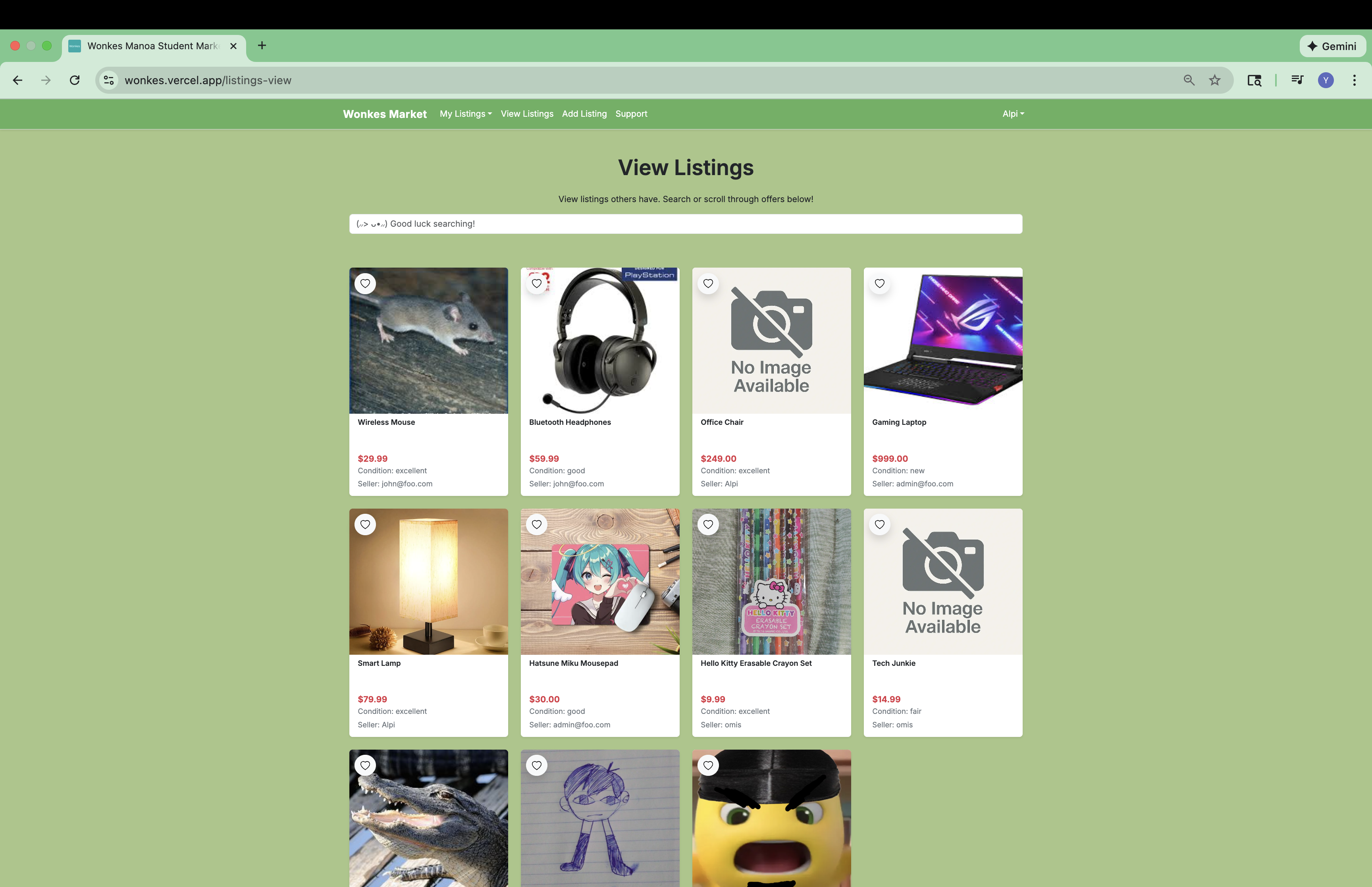
Other contributions of mine include change password page, sign out page, part of the sign up page, 404 not found page, coming-soon page, part of the support page, add listing page, listing detail page, edit listing page, my store page, part of the listing card component in the view listing page, design of Wonkes logo and icon with ChatGPT, and the editing of the text in the Wonkes homepage.
What I learned
The most important lesson I learned from building Wonkes was that artificial intelligence can dramatically accelerate development process. There were many parts in Wonkes where I design the page and let ChatGPT write the code to build the page. This saved me a lot of time from coding and made me able to focus more on how to make Wonkes a better website.
Although ChatGPT was able to write the code, but there were still portions of the code require manual changes, especially the part related to communication between the front end and the back end. I did code reviews, and manually edit these code to make them better fit Wonkes’ need. Through this process, I became familiar with the directory structure of the template, and how things are arranged together to work. I learned how to query the database with Prisma, how to validate form inputs with Yup, how to show pop up messages with SweetAlert library, how to split pages into reusable React components and put them together, and much more.
Another precious experience I gained was teamwork. This was the first time I worked in a team of more than two people for a school project, and I felt I became more extroverted upon the end of this project.
1Unfortunately, due to limited budget Wonkes did not survive the 2025 winter, and the Wonkes storefront may no longer be available after January 14, 2026.
Note: ChatGPT was used to help illustrating some images for this essay and editing this essay.